

Smarter Directory Navigation for Your Terminal

Navigate frequently used directories with fewer keystrokes using zoxide.

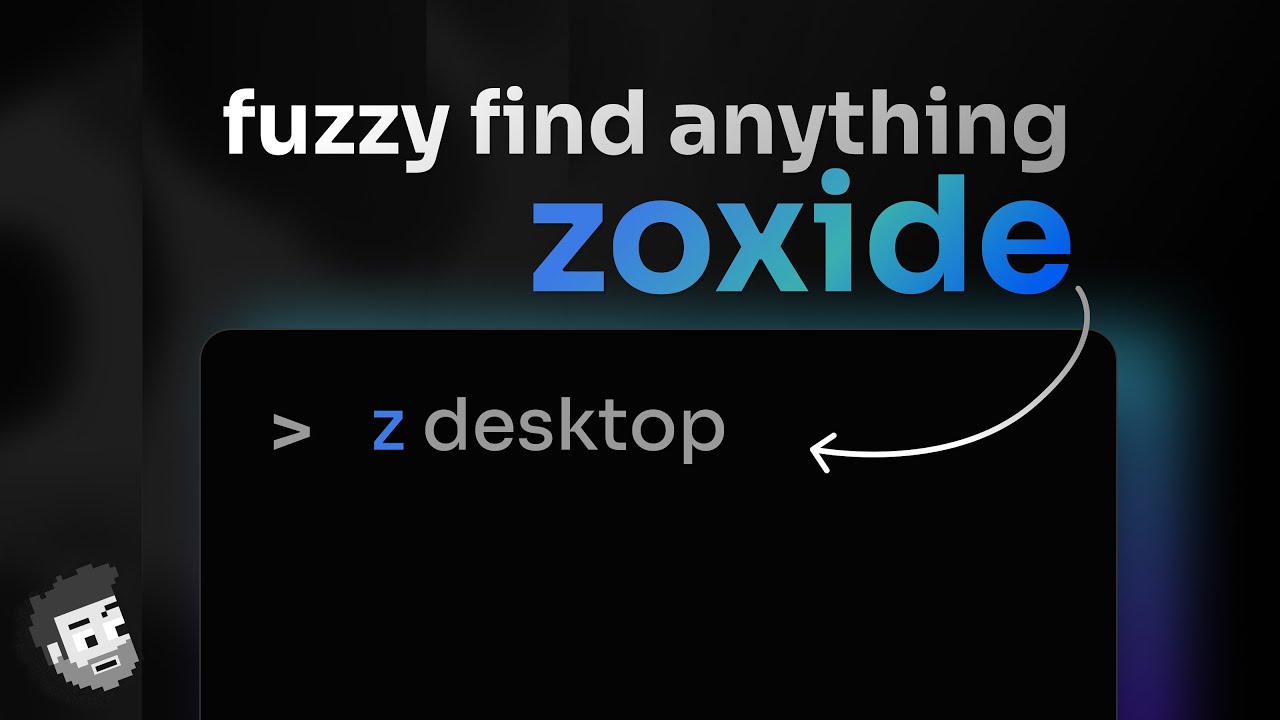
Zoxide is an open-source command-line tool inspired by z and autojump. It remembers directories you use frequently and lets you jump to matching locations with short commands such as z project.

This independent website provides installation guides, command examples, shell setup instructions and release summaries.


How Zoxide Works

Terminal Navigation Simplified for Everyone

Zoxide stores and ranks directories based on how often and how recently they are used.

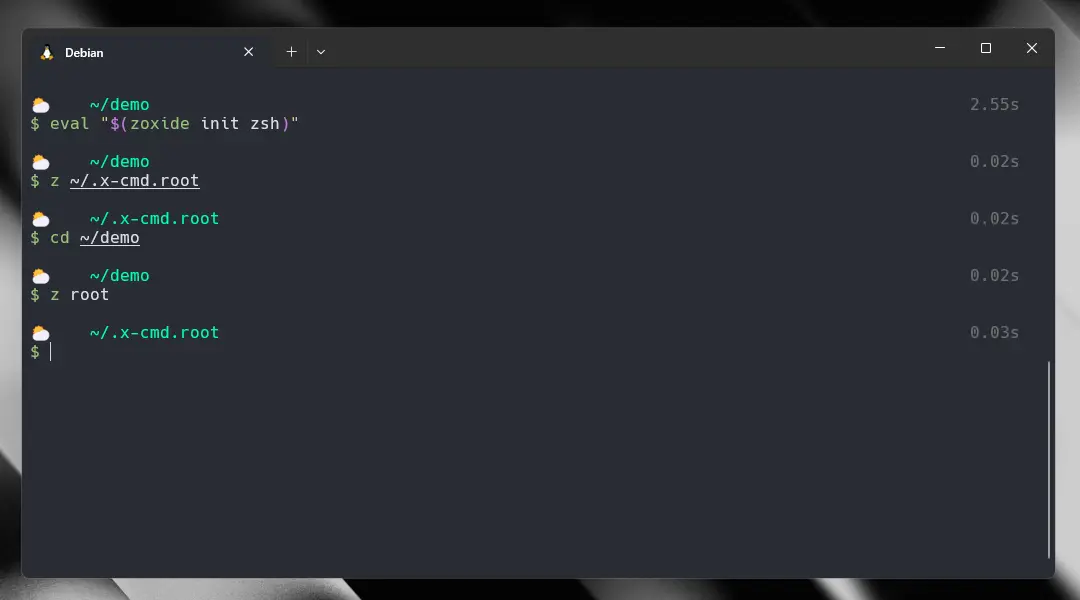
When you enter a command such as z project, zoxide searches its directory database and moves to the highest-ranked matching location.

Users can also run zi for interactive selection when fzf is available.

Smart & Adaptive Navigation

Powered by intelligent ranking, Zoxide tracks your most frequently used directories and lets you access them using minimal input.

Fast and Efficient

Built with performance in mind, Zoxide delivers lightning-fast results, helping developers save time and boost productivity in the terminal.

Easy to Use

Zoxide integrates seamlessly with your shell and works out of the box. Just install it and start navigating with simple, intuitive commands.

Who we are

Empowering Faster Navigation

We built Zoxide to simplify how developers interact with their file system. Our goal is to eliminate repetitive navigation and replace it with a smarter, faster, and more intuitive experience.

Zoxide learns from your workflow, adapts to your habits, and helps you jump across directories effortlessly—so you can focus more on coding and less on searching paths.

The Value of Smart Navigation

Smart Directory Jumping

Zoxide intelligently tracks your most-used directories, allowing you to jump instantly with minimal commands.

Productivity Boost for Developers

Spend less time typing long paths and more time building. Zoxide streamlines your terminal workflow.

Cross-Shell Compatibility

Works seamlessly across popular shells like Bash, Zsh, and Fish, ensuring a smooth experience everywhere.

Lightweight & Powerful

Fast, minimal, and efficient—Zoxide enhances your terminal without slowing it down.

The smarter way to navigate your terminal

Stop wasting time typing long paths. Zoxide gives you instant access to your most-used directories with intelligent, fast, and effortless navigation.

Built for developers who value speed and efficiency, Zoxide transforms the way you move through your system—making every command quicker and smarter.

Listening to your workflow, and improving navigation

Zoxide understands how you move through your system and adapts to your habits—making terminal navigation faster, smarter, and more efficient.

Smart Directory Tracking

Zoxide automatically tracks the directories you use most and ranks them for quick access.

Performance Optimization

Built for speed, Zoxide delivers instant results with minimal resource usage.

Frecency-Based Ranking

Combines frequency and recency to prioritize the directories you need most.

Shell Integrations

Works seamlessly with Bash, Zsh, Fish, and more for a smooth experience.

Quick Jump Commands

Navigate to any folder with short, intuitive commands—no need to type full paths.

Lightweight & Minimal

A small yet powerful tool that enhances productivity without adding complexity.

Providing the simplest solution for terminal navigation

Zoxide transforms complex directory navigation into a fast and effortless experience. No more memorizing long paths—just jump to any folder instantly with smart, adaptive commands.

Designed for developers who want speed, simplicity, and efficiency, Zoxide makes your command-line workflow smoother than ever.

Why Choose Zoxide

Maximize your productivity with smarter navigation

Zoxide is designed to make your terminal experience faster, simpler, and more efficient. It replaces repetitive commands with intelligent directory jumping, helping you save time and stay focused.

Smart Directory Indexing

Zoxide keeps track of your frequently used folders and ranks them intelligently for instant access.

Highly Configurable

Customize Zoxide to match your workflow with flexible options and seamless shell integration.

Built for Developers

Designed with performance and usability in mind, Zoxide enhances productivity for developers and power users.

Secure & Reliable

Lightweight, safe, and dependable—Zoxide runs locally without compromising your system or data.

Testimonial

What Developers Say About Zoxide

See how Zoxide is helping developers and power users navigate their systems faster and more efficiently.

Alex Carter Software Engineer

“Zoxide completely changed how I navigate my projects. I no longer waste time typing long paths—just a few letters and I’m there instantly.”

Sarah Khan DevOps Engineer

“The smart directory tracking is a game changer. Zoxide understands my workflow and makes terminal navigation effortless.”

Michael Lee Backend Developer

“Lightweight, fast, and incredibly useful. Zoxide is now an essential part of my daily development workflow.”

FAQ

Frequently Asked Questions About Zoxide

Get answers to common questions about Zoxide, the smarter way to navigate directories in your terminal.

Zoxide is a smarter “cd” command for your terminal that helps you quickly jump between folders using simple keywords instead of long file paths.
It remembers the directories you use most often and lets you navigate to them instantly by typing a short name, rather than manually typing full paths every time.
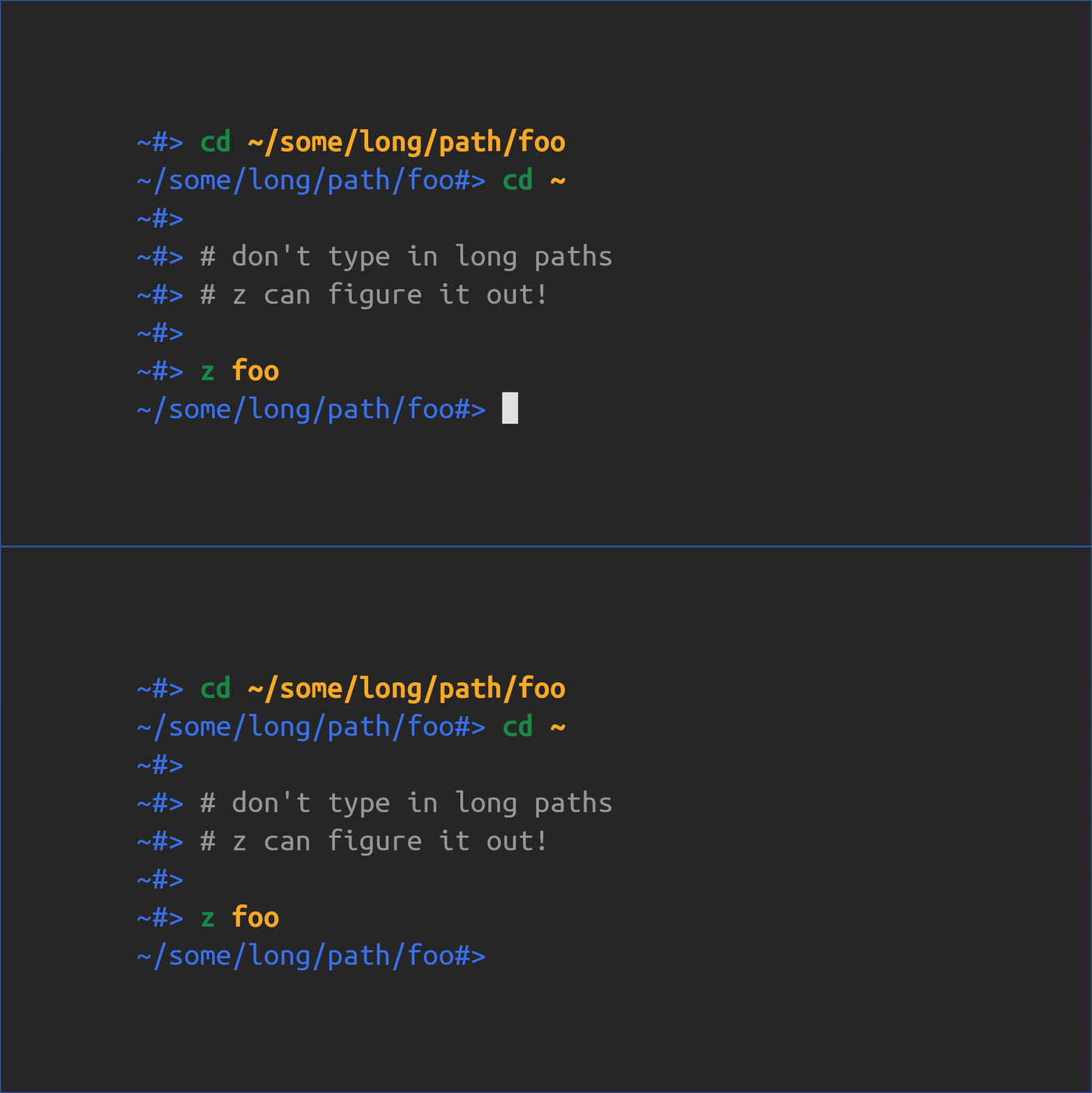
For example, instead of typing a long command like:
cd /users/projects/client/backend/api
You can simply type:
z api and it takes you there automatically.

Official Website: https://zoxide.net/
Zoxide is an upgraded alternative to the traditional cd command that makes navigation faster and smarter. While cd requires you to type the full folder path every time, Zoxide learns your frequently used directories and lets you jump to them using short keywords.

Key differences:

  • cd requires full or relative paths, while Zoxide lets you use simple keywords like z project
  • cd does not remember locations, but Zoxide learns your most used folders automatically
  • Zoxide saves time by reducing long commands into quick searches.
  • cd is basic navigation, while Zoxide is intelligent and history-based navigation
Yes, Zoxide is completely free to use.
It is an open-source project under a permissive MIT license, which means you can use it freely for personal and commercial purposes without paying any fees.
  • 100% free and open-source
  • No subscription or hidden charges
  • Licensed under MIT (very flexible usage)
  • Can be used in personal and commercial projects
Zoxide is widely used by developers because it is free, lightweight, and improves terminal navigation efficiency.
 
Zoxide supports the most popular command-line shells, making it easy to use across different operating systems and developer environments.
It works with major shells by integrating as a smarter replacement for the cd command.

Supported shells:

  • Bash
  • Zsh
  • Fish
  • PowerShell
  • Nushell
  • Ion shell
Zoxide tracks directories by learning your terminal usage history. Every time you navigate to a folder using the terminal, it records that path and builds a smart database of your most frequently used locations.
 
Over time, it ranks directories based on how often and how recently you use them. When you type a short command like z project, it matches your input with the most relevant directory and takes you there instantly.
Get started

Latest Updates

Does Zoxide Use Clap? Understanding Its Rust CLI Framework

Terminal navigation becomes much easier when frequently used directories can be accessed without typing long paths. While the traditional command works well for basic movement, developers and power users often need faster ways to switch between projects, repositories, and workspaces. Zoxide improves this workflow by learning directory usage patterns and allowing users to create more […]

Is Zoxide Written in Rust? Language, Performance & Features Explained

Managing folders through the command line is a regular task for developers, programmers, and advanced computer users. While the traditional command works well for basic navigation, it becomes slower when users need to switch between many projects, repositories, or deeply nested directories. zoZoxides a fast and efficient directory navigation tool that improves the shell experience […]